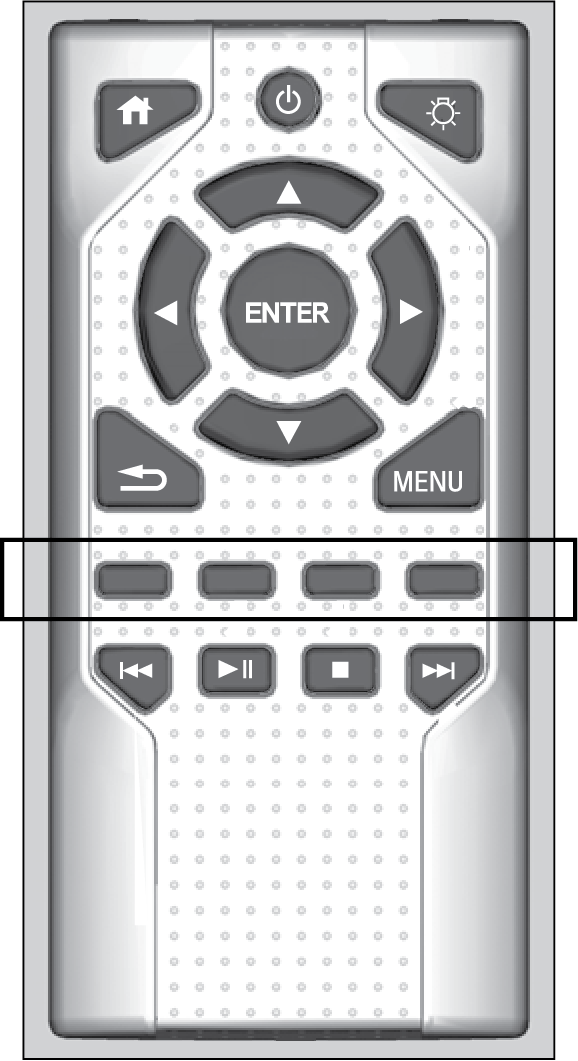
Press any of the following colored buttons on the RES remote three times to turn a function on or off, or to change a function setting.
| Red button: | Accessibility |
| Green button: | Subtitles |
| Yellow button: | Secondary Audio |
| Blue button: | Audio Format Switching |